1. White Ergonomic / Trading Chair
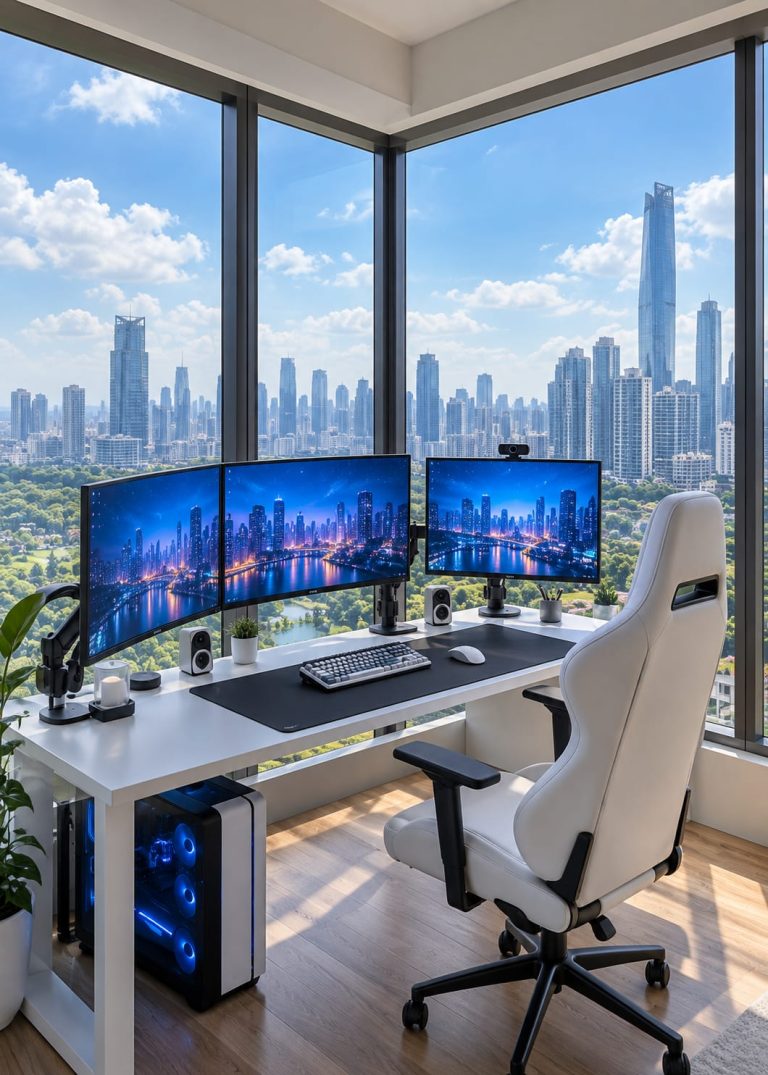
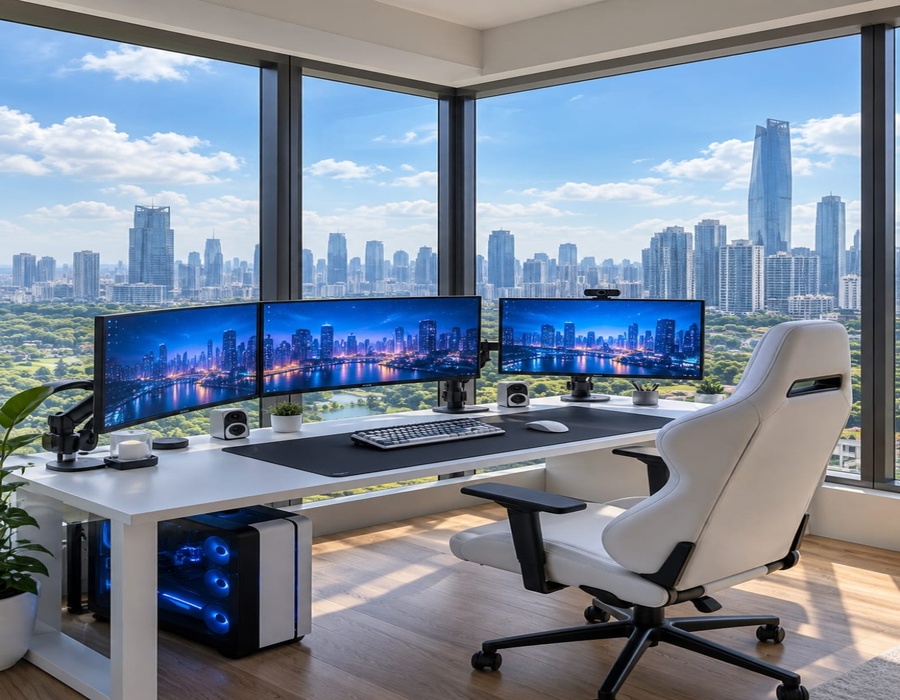
A high-back white chair with padded seating, adjustable armrests and height adjustment. Its recliningbackrest, lumbar support and wheeled base provide comfortable long-session use.
2. Three Computer Monitors
Three wide-screen monitors are arranged side-by-side for a panoramic workstation view. The displays showa blue-toned city scene and are mounted at eye level.
3. Triple Monitor Stand / Arms
Adjustable monitor arms hold the three screens securely and keep them aligned. They also free up deskspace and create a cleaner appearance.
4. Mechanical / RGB Keyboard
A compact keyboard sits centrally on the desk mat. Its mechanical-style keys and subtle RGB lighting suitthe modern trading/workstation aesthetic.
5. Wireless Trading Mouse
A wireless ergonomic mouse is placed beside the keyboard. It is designed for smooth cursor control andcomfortable everyday or trading use.
6. Trading PC Tower
A black/white desktop tower with a transparent side panel and blue RGB lighting sits underneath the desk. Itcontains the main processing, graphics, memory and storage hardware.
7. Large Black Desk Mat
An extended black desk mat covers the main working area of the desk. It provides a consistent surface forboth the keyboard and mouse while protecting the tabletop.
8. Minimalist White Computer Desk
A wide white desk with a simple modern design supports the monitors and accessories. Its open leg arealeaves room for the PC tower and keeps the setup visually uncluttered.
9. Desktop Speakers
Small compact speakers are positioned around the monitors. They provide audio for music, videos, tradingand general computer use without taking much desk space.
10. Webcam
A small webcam is mounted above the center monitor. It is suitable for video calls, online classes, meetingsor streaming.
11. Headphones / Headset
A pair of over-ear headphones is kept on the left side of the workstation. It can be used for trading, music,video calls and focused work.
12. Small Indoor Plants
Small potted plants are placed around the monitors and desk edges. They add a natural touch and soften theotherwise technical, minimalist setup.
13. Desk Accessories / Holders
Small holders and decorative accessories are arranged around the monitors and keyboard. They helporganize everyday items while adding detail to the workstation.
14. Cable Management
Power and display cables run underneath the desk and are kept relatively organized. Cable clips, ties or anunder-desk tray can maintain this clean appearance.
15. Monitor / Desk Lighting
The setup uses the bright daylight coming through the large windows as its main illumination. Theblue-toned screens and PC lighting add a subtle cool accent.
16. Large Floor-to-Ceiling Windows
The workstation is positioned beside large corner windows that provide an expansive outdoor view. They make the room feel bright, open and spacious.